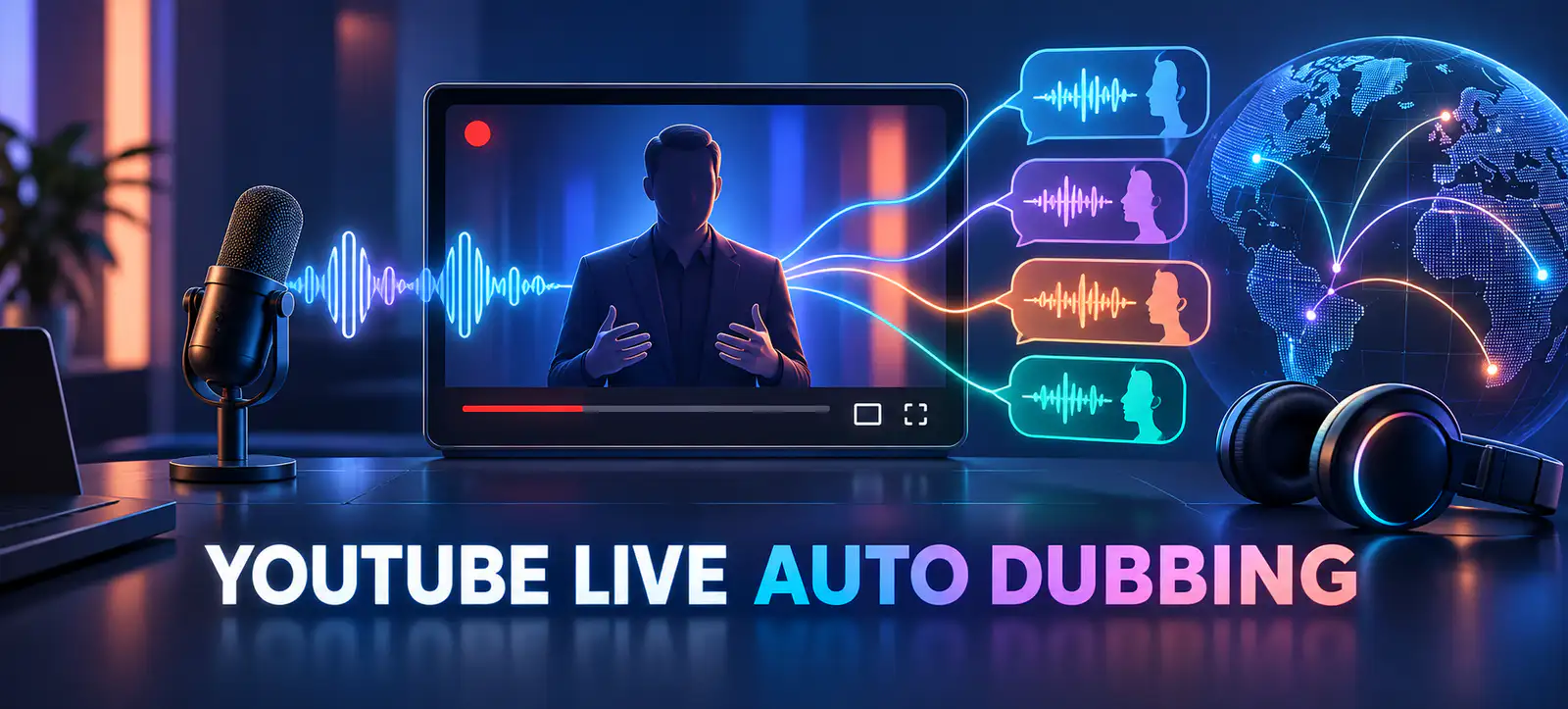
YouTube Live auto dubbing could make live broadcasts easier to follow across languages, but it will not remove the need for clear speech, accurate information and active moderation. YouTube announced in September 2026 that it plans to pilot real-time translated speech in early 2027. Viewers will be able to listen in their preferred language while a creator speaks.
This is a preparation guide, not a claim that the feature is available to every channel. Access, supported languages and account controls may change during rollout. Brands and creators should confirm the options shown in YouTube Studio before announcing a multilingual stream.
What YouTube announced for Live
In its official Live product announcement, YouTube said more than 40% of live watch time comes from viewers outside a creator’s home country. It plans to pilot Live auto dubbing in early 2027, translating speech in real time. The same update introduced a wider Live roadmap rather than one isolated translation feature.
Watch With is expected to expand beyond livestreams to eligible long-form videos, with rollout starting later in 2026. Original creators receive attribution and added view credit, while reacting creators keep their live ad and fan-funding revenue. Live creator matchmaking for Go Live Together is planned for early 2027. Live showdowns, which turn fan support into a friendly co-host competition, are also described as coming in 2027.
YouTube’s broader Made on YouTube overview places these tools within a larger focus on global discovery, creator collaboration and sustainable business growth. Each capability has a different job, so teams should avoid treating them as a single switch.
Live feature
Planned timing
Opportunity
Readiness check
Live auto dubbing
Pilot in early 2027
Preferred-language listening
Audio, terminology and disclosure
Watch With
Rollout starts later in 2026
Live reactions to eligible videos
Rights and participation controls
Creator matchmaking
Early 2027
Find active co-hosts
Brand safety and guest briefing
Live showdowns
2027
Interactive fan participation
Funding rules and moderation
A practical auto-dubbing readiness workflow
1. Define the audience and purpose
Start with evidence from existing viewers, comments, enquiries and analytics. Select languages only where there is a meaningful audience or business reason. Define the stream’s job: product education, community support, event coverage or lead generation. Translation should help a clear experience reach more people, not make an unfocused broadcast look international.
2. Improve the source audio
Real-time translation depends on understandable source speech. Use a reliable microphone, reduce music under dialogue and test room echo, internet stability and speaker levels. Ask presenters to avoid talking over one another and to pause between important points. Technical product names, acronyms and personal names deserve especially clear pronunciation.
Record a short rehearsal and listen through ordinary phone speakers as well as headphones. A studio monitor can hide problems that mobile viewers will notice immediately. Keep the microphone distance consistent, disable unnecessary audio processing and prepare a backup connection. If a guest joins remotely, test that person’s room and equipment separately instead of assuming the host’s settings will solve every audio issue.
3. Prepare a terminology sheet
Create a short glossary covering brand names, products, campaign terms, prices, units and phrases that must not be improvised. Give the presenter plain-language alternatives for specialist wording. This sheet also helps human moderators identify translation errors quickly. It can later support captions, edited clips and localized descriptions.
4. Set expectations transparently
Tell viewers when audio is machine translated and provide a way to report a serious error. Avoid using live automated dubbing as the only communication channel for legal, medical, financial or safety-critical advice. Publish important conditions in verified on-screen text or linked resources. Clear disclosure protects trust when a translation is delayed or imperfect.
5. Build a multilingual moderation plan
Assign people to monitor the original stream, translated audience questions and any commercial claims. Prepare escalation rules for abusive comments, incorrect product information and sensitive questions. If a co-host is involved, agree who can answer, remove comments, change topics or end the broadcast. A global audience can create more context, not just more reach.
6. Rehearse the complete viewer journey
Run a private or limited test using the actual device, microphone, network and presentation format. Check the original audio, available dubbed tracks, captions, links and replay. Kayaar’s video A/B testing workflow offers a useful model for changing one creative variable at a time instead of redesigning everything during a pilot.
7. Measure quality as well as reach
Record audience geography, language selection, average watch time, retention, chat quality and meaningful actions after the stream. Compare translated and original-language viewing carefully; access may be uneven during a pilot. Kayaar’s guidance on YouTube engaged views explains why metric definitions matter before performance comparisons are made.
Connect Live testing to the wider channel plan
A live broadcast should not stand alone. Create a thumbnail and reminder plan, then turn the replay into clips, summaries or follow-up answers. The Shorts thumbnail workflow can help keep derivative content visually consistent. If monetisation is relevant, review Kayaar’s YouTube Partner Program 2027 guide separately rather than assuming a Live feature changes eligibility or revenue terms.
Document what was announced, what is actually available in the channel and what your test proved. YouTube’s rollout language includes “pilot,” “starting” and “coming,” so dates are plans rather than guarantees for every account. For help turning these updates into a measured channel experiment, contact Kayaar.
Final checklist before a multilingual Live pilot
Channel access and supported languages are verified in Studio.
The stream has one audience, purpose and success measure.
Microphone, room, network and speaker handoffs are rehearsed.
Terminology, disclosures and critical facts are documented.
Moderators understand escalation and co-host controls.
Replay, clips and post-stream measurement have owners.
Live auto dubbing can reduce a language barrier, but human preparation still determines whether the broadcast is clear, trustworthy and useful.
FAQs
What is YouTube Live auto dubbing?
It is a planned feature that automatically translates a creator’s live speech so viewers can listen in their preferred language. YouTube said the pilot is expected to start in early 2027.
Is YouTube Live auto dubbing available to every channel?
YouTube announced a pilot rather than universal availability. Creators should check their own YouTube Studio account for access, supported languages and current controls before scheduling a multilingual stream.
Will auto dubbing replace captions or moderators?
No. Captions, written facts and trained moderators remain valuable for accessibility, corrections, audience questions and situations where an automatic translation may be delayed or inaccurate.
How should creators prepare for live translated audio?
Use clear source audio, rehearse speaker handoffs, prepare a terminology sheet, disclose machine translation and test the complete viewer journey before using the feature for an important broadcast.
Which metrics should a multilingual Live test track?
Track language use, geography, average watch time, retention, chat quality, meaningful conversions and post-stream feedback. Compare results with an appropriate baseline and document differences in feature access.