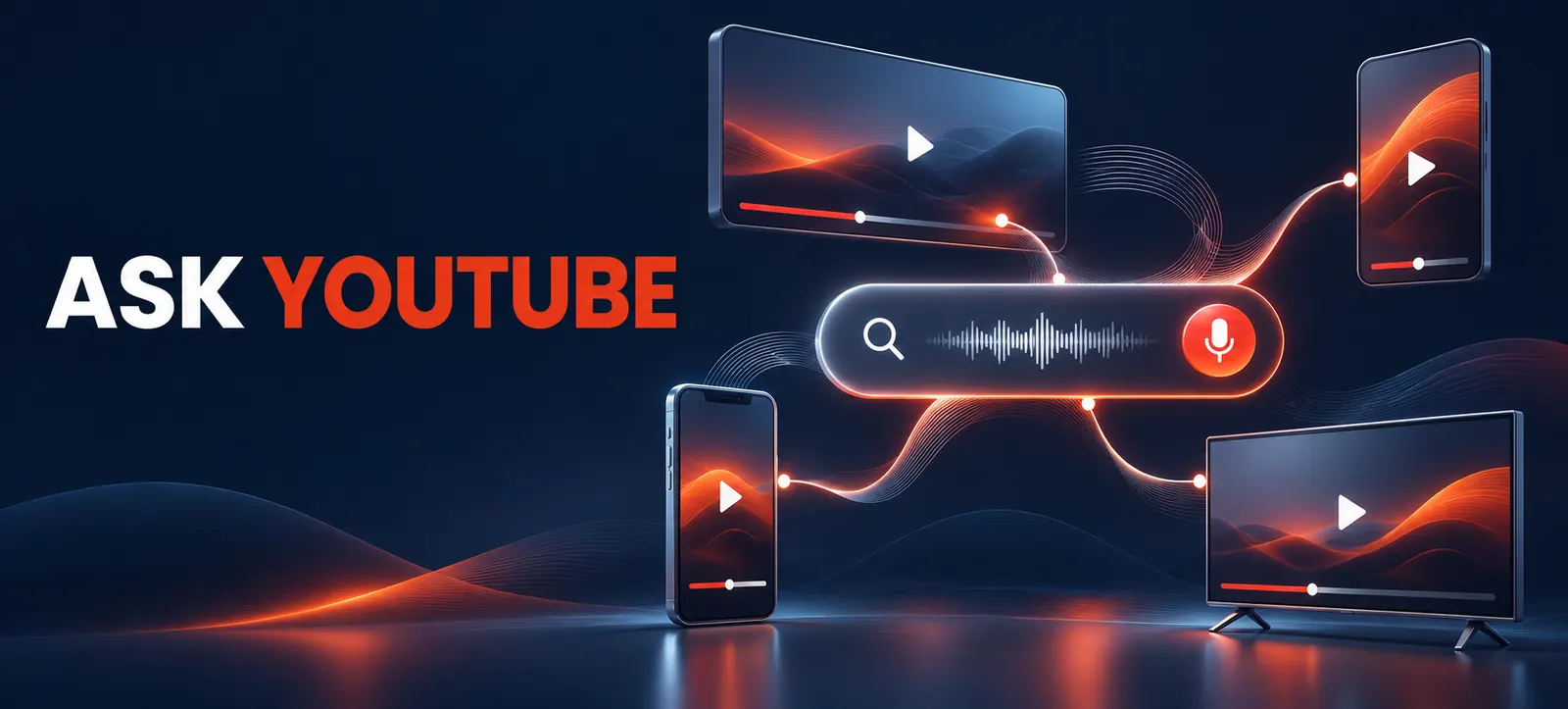
Ask YouTube is changing video discovery from a list of keyword results into a conversational experience. Viewers can ask a complex question, refine it with follow-ups and receive a response that blends text, long-form videos, Shorts and relevant clips.
For creators and brands, this creates another route to discovery. It does not create a secret optimisation formula. The practical response is to make videos easy to understand, verify and navigate while continuing to serve real viewer needs. This guide explains what YouTube announced and how to prepare responsibly.
What Ask YouTube does
YouTube’s official Ask YouTube announcement says conversational search is available to U.S. viewers across web, mobile and TVs. People can use natural-language questions, review an interactive answer and continue with follow-up prompts. The watch-page version is also expanding to Shorts and live streams.
The Ask YouTube help page explains that responses may use real-time web information and YouTube content. Videos can appear with titles, channel names and clips that start near a relevant moment. YouTube says selection prioritises relevance, engagement and quality, similar to standard Search.
Availability is important. The search experience is currently described for U.S. users searching in English, with gradual expansion. A Dubai creator should prepare useful content but should not claim that the feature is generally available in the UAE or promise visibility inside generated answers.
How conversational discovery changes the content brief
Traditional keyword research often starts with a short phrase. Conversational discovery encourages longer questions, comparisons and follow-ups. A useful video should therefore answer the main question clearly, then cover the decisions that naturally follow.
For example, a broad topic such as “email marketing” can be shaped into a practical sequence: who needs it, which setup is appropriate, what it costs, what to measure and which mistakes to avoid. The goal is not to repeat every phrase. It is to build a complete, navigable explanation.
Video element
Readiness action
Viewer benefit
Title and thumbnail
State the genuine problem and outcome without exaggeration.
Sets a clear expectation before the click.
Opening section
Answer the central question early and explain the scope.
Helps viewers decide whether the video is relevant.
Chapters and structure
Use descriptive sections for steps, options and cautions.
Makes useful moments easier to locate.
Captions and speech
Correct names, numbers and specialist terms.
Improves accessibility and reduces ambiguity.
Evidence and links
Identify sources, dates, limitations and updates.
Supports trust and independent checking.
A practical creator-readiness workflow
Map real questions. Review YouTube search suggestions, comments, customer calls, support tickets and sales conversations. Group questions by intent: learn, compare, troubleshoot or decide.
Choose one central promise. Define what the viewer should understand or complete by the end. Avoid combining unrelated questions simply to make a longer video.
Design answer-first structure. Give a concise answer near the beginning, then explain evidence, alternatives, steps and limitations. Use spoken signposts that sound natural.
Make moments self-contained. A useful segment should still make sense when discovered as a clip. Restate the subject where necessary instead of relying on an unclear “this” or “that.”
Package accurately. Align the title, thumbnail, description and opening. Kayaar’s YouTube video A/B testing workflow shows how to test hooks without changing every creative variable at once.
Check machine-readable context. Add accurate captions, chapters, descriptions and relevant links. For videos embedded on owned pages, use the VideoObject and creator markup audit to review structured data without assuming markup guarantees discovery.
Run factual and safety review. Verify claims, demonstrations, prices and dates. Include appropriate cautions for financial, medical, legal or other high-stakes subjects. Generated answers may be wrong, so the source video should not amplify uncertainty.
Prepare for clips, Shorts and live follow-ups
Ask YouTube may surface different formats. A long-form tutorial can provide depth, a Short can demonstrate one action and a live stream can address current questions. Keep the core facts consistent across formats, but adapt the pacing and context for each one.
Live content needs special preparation because details can change during the broadcast. Use a clear agenda, pinned sources and a moderator who can correct mistakes. Kayaar’s YouTube Live auto-dubbing guide provides a broader checklist for language, captions and replay quality.
If the channel serves multiple markets, do not assume automatic translation preserves technical meaning. Review translated titles, captions, spoken terms and calls to action. Availability and product details should match the viewer’s location.
Measure discovery without inventing a new KPI
YouTube has not presented a guaranteed “Ask YouTube ranking score” for creators. Continue monitoring impressions, traffic sources, click-through rate, watch time, retention, returning viewers and meaningful business outcomes. Add annotations when titles, chapters, captions or formats change.
Create a simple baseline before editing older videos. Save the previous title, description, chapters, caption status, traffic mix and retention curve. After an update, allow enough time for a fair comparison and separate organic changes from paid promotion, seasonality or a sudden news event. Record what changed and who approved it so the result can be repeated or reversed.
Compare groups of similar videos over a useful period. A single increase cannot prove that conversational search caused the result. Look for repeatable patterns in questions, retained moments, comments and qualified actions.
Creators who also want a consistent identity across Search can review Kayaar’s Google Search profile setup guide. Keep bios, channel details and linked websites accurate, but treat each platform’s eligibility and ranking systems separately.
What to avoid
Do not stuff descriptions with synthetic questions or repeated phrases.
Do not claim guaranteed inclusion in Ask YouTube answers.
Do not hide the answer behind a long, unrelated introduction.
Do not publish AI-generated claims without human verification.
Do not copy competing videos or manufacture viewer comments.
Ask YouTube rewards the same durable foundations creators already need: clear topics, useful answers, credible evidence and satisfying viewing. For a channel-level content and discovery review, contact Kayaar with your audience, markets and business objective.
FAQs
What is Ask YouTube?
Ask YouTube is a conversational search experience that can combine text, videos, Shorts and relevant clips in responses to natural-language questions.
Is Ask YouTube available in the UAE?
YouTube currently describes the search experience as available to U.S. users searching in English, with gradual expansion to more users.
How are videos selected for Ask YouTube responses?
YouTube says the system prioritises relevance, engagement and quality, but it does not provide creators with a guaranteed inclusion method.
Should creators add conversational questions to every title?
No. Use a title that accurately communicates the topic and outcome; question wording is useful only when it matches genuine viewer intent.
Can creators measure traffic from Ask YouTube separately?
Do not assume a dedicated report exists. Use the analytics available in YouTube Studio and document content changes before drawing conclusions.