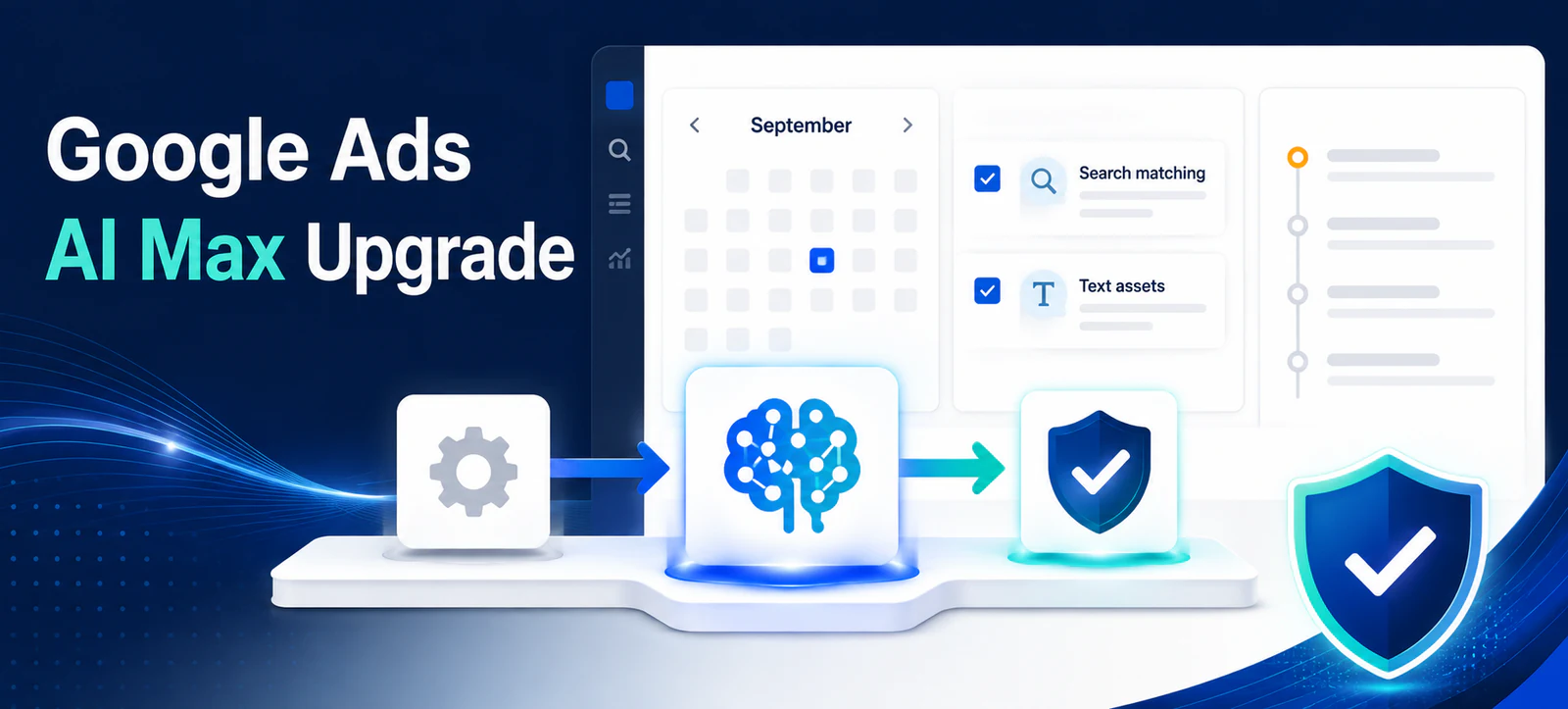
Google Ads AI Max auto-upgrade activity begins in September 2026 for eligible Search campaigns using text customisation, formerly automatically created assets, or the campaign-level broad match setting. Advertisers should document current settings and controls before the account changes.
Dynamic Search Ads are on a different timetable. Google updated its announcement in June to delay DSA sunset and automatic upgrades until February 2027. Mixing these schedules can lead teams to make unnecessary campaign changes, so this checklist separates what is happening now from what comes later.
What is upgrading in September 2026
Google’s updated AI Max upgrade announcement says automatic upgrades continue in September for campaigns using automatically created assets and the campaign-level broad match setting. Google now calls automatically created assets “text customisation”.
For campaigns using text customisation, Google says AI Max will be enabled with search term matching and text customisation. For campaigns using the campaign-level broad match setting, search term matching will be enabled. These are changes to how existing capabilities are grouped and managed within AI Max, not permission to ignore account-specific risks.
Dynamic Search Ads move in February 2027
Google originally included DSA in the September transition, then extended the schedule. The updated date for DSA automatic upgrades is February 2027. Advertisers can still upgrade eligible DSA campaigns voluntarily, but they should not describe the September change as a universal DSA sunset.
Keep DSA preparation on the roadmap: export dynamic targets, page feeds, exclusions, descriptions and historical reporting. That work is valuable, but it should not distract from checking settings that may move during September.
September AI Max upgrade mapping
Legacy feature
Current timetable
AI Max state to verify
Automatically created assets
Automatic upgrades from September 2026
Text customisation and search term matching
Campaign-level broad match
Automatic upgrades from September 2026
Search term matching
Dynamic Search Ads
Automatic upgrades from February 2027
No premature migration assumption
Final URL expansion
A separate AI Max asset-optimisation control
Actual on/off state and URL exclusions
Brand controls
Available within AI Max controls
Inclusions, exclusions and intended scope
Build a pre-upgrade inventory
List every Search campaign using either affected legacy setting. Record campaign status, budget, bidding strategy, conversion goals, target locations, language, search partners, broad match setting and automatically created asset status. Include the responsible owner and the date of the export.
Save recent search terms, landing pages, asset details and change history. A baseline should cover enough data to represent normal performance and known seasonality. Kayaar’s Google Ads bidding review explains why targets, budget limitations and conversion delay need context before teams react to changes.
Confirm conversion actions first. An automated transition cannot correct duplicated leads, imported low-quality outcomes or a broken purchase tag. Record commercial measures such as qualified leads, completed sales or contribution value beside platform conversions.
Review search term matching
Search term matching can use broad match and keywordless technology to expand beyond advertiser-added keywords. After the upgrade, verify its state at the ad-group level and inspect the search terms report for relevant demand, brand conflicts and queries that need negatives.
Do not add large negative lists immediately from a few clicks. Review intent, volume, conversion quality and the campaign objective. Exact keyword copies may still matter where an account relies on prioritisation across overlapping campaigns. Document any changes so future analysts understand why the control differs between ad groups.
Review text customisation and assets
Text customisation generates additional headlines and descriptions from the domain, landing pages, existing ads, keywords and assets. Check the asset report for wording that is inaccurate, outdated, prohibited or inconsistent with the brand. Pay particular attention to prices, guarantees, service locations and regulated claims.
Update source pages when they contain stale information. Removing one generated asset without correcting an inaccurate landing page may allow a similar problem to return later. Kayaar’s Google Ads Ask Advisor review workflow provides a useful approval discipline for AI-generated suggestions and creative.
Check final URL expansion separately
Final URL expansion is part of AI Max asset optimisation, but advertisers should verify its actual status rather than infer it from another legacy setting. When enabled, it can choose another relevant page on the advertiser’s domain and pair it with customised text.
Audit the eligible website. Exclude login pages, policies, recruitment content, unavailable products and any page without accurate conversion tracking. Confirm that landing pages match the campaign’s location, language and offer. A correct ad leading to the wrong page can still waste spend and create compliance risk.
Use AI Max reporting after the change
Google’s AI Max reporting guidance lists search terms, keywords, assets and landing pages as core reports. It also says advertisers should wait at least two weeks after enabling AI Max for a new or existing campaign before making changes such as adding negatives, allowing the system time to learn.
A waiting period is not a reason to ignore severe problems. Continue watching policy status, tracking failures, unsafe spend and clearly irrelevant destinations. For normal optimisation, avoid changing bids, budgets, creative and matching controls together, because the combined effect becomes difficult to interpret.
Set governance for account changes
Assign one owner to compare the saved baseline with the post-upgrade state. Check account notifications and the change history daily during the transition, then record which settings Google moved and which settings a user edited.
Agencies should tell clients what may change, what will be reviewed and when material actions require approval. Kayaar’s Google Ads account transition checklist covers access, billing, tracking and ownership controls that should be clear before any automated account change.
A practical September checklist
Identify campaigns using text customisation or campaign-level broad match.
Export settings, search terms, assets, landing pages and change history.
Verify conversion tracking and qualified business outcomes.
After upgrade, check search term matching and text customisation states.
Review brand controls, URLs, generated assets and reports.
Monitor for at least two weeks before routine optimisation.
The September Google Ads AI Max auto-upgrade applies to affected legacy text customisation and campaign-level broad match settings, not the delayed DSA transition. Preserve evidence, verify every resulting control and measure qualified outcomes. If you need an independent account review, contact Kayaar.
FAQs
Which Google Ads settings auto-upgrade in September 2026?
Google says eligible campaigns using text customisation, formerly automatically created assets, or the campaign-level broad match setting will begin upgrading to AI Max.
Are Dynamic Search Ads upgrading in September 2026?
No. Google extended the DSA sunset and automatic-upgrade timetable to begin in February 2027.
What should advertisers export before an AI Max upgrade?
Export campaign settings, change history, search terms, assets, landing pages, conversion data and qualified business outcomes.
Does AI Max automatically enable final URL expansion?
Final URL expansion is a separate AI Max asset-optimisation control. Verify its actual status and URL exclusions rather than assuming it follows another setting.
How long should advertisers monitor AI Max before routine changes?
Google recommends waiting at least two weeks after enabling AI Max before routine changes such as adding negative keywords, while still addressing urgent policy, tracking or spend problems.