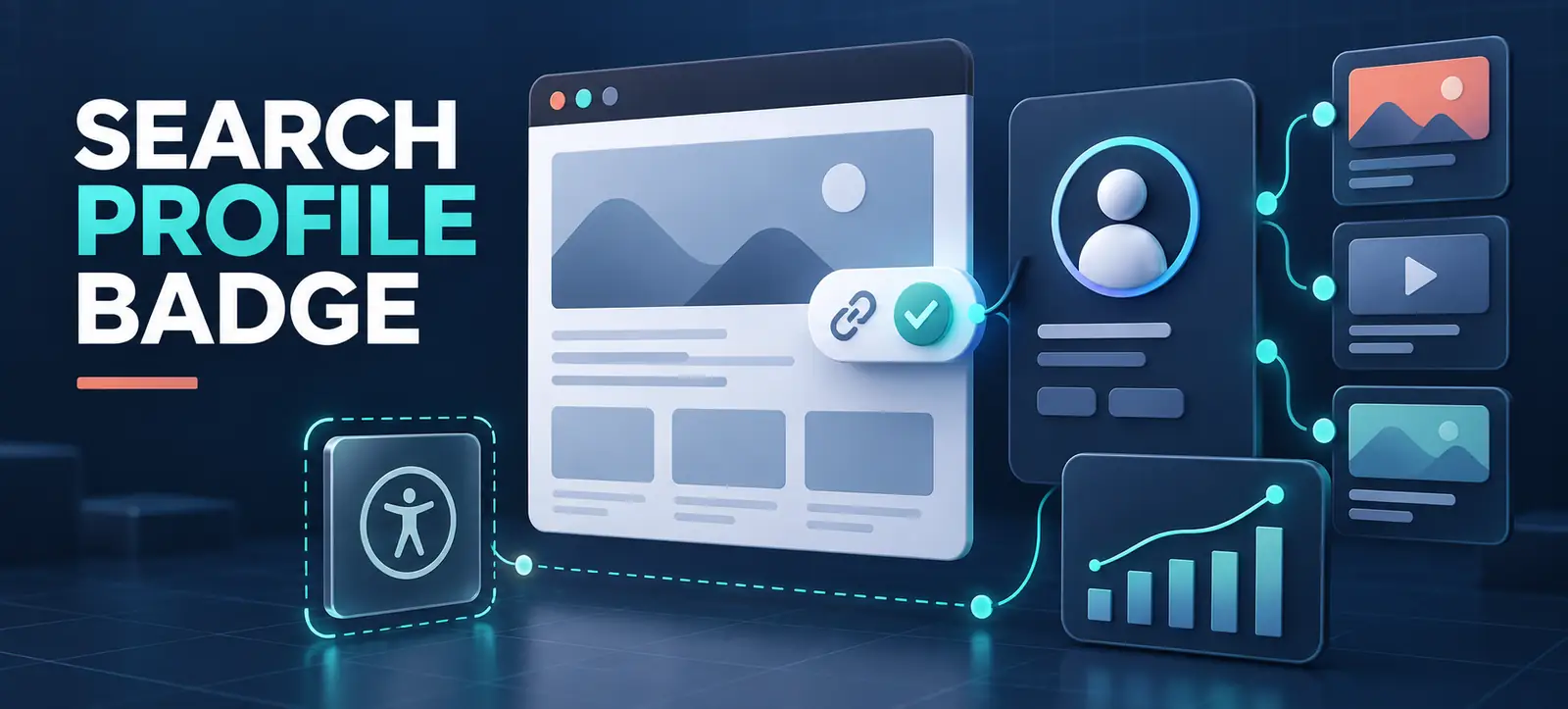
Google Search Profile Badge documentation gives eligible creators and publishers a direct way to connect their website with a Search profile. Google added the implementation guide on 16 September 2026, including badge assets, HTML examples and accessibility requirements.
The badge is useful as a navigation and audience-building element, not a ranking shortcut. A Search profile brings together content from linked social platforms and a website, while the badge helps visitors find that profile. This guide explains eligibility, setup, placement, accessibility and measurement without overstating the SEO effect.
What is a Google Search profile?
A Search profile is a Google destination that brings a creator’s online presence into one place. It can include a bio, profile image, cover image, linked social accounts and selected content. People can find it through Google Search or Discover, depending on availability and how Google presents the profile.
Google’s current Search profile eligibility guidance says new profiles are currently available only in the United States. The creator must be at least 18 and have at least 35,000 followers or subscribers on an eligible linked platform such as YouTube, Instagram, X or TikTok. Google may also have generated a profile for an eligible creator to claim.
What the new website badge does
Google’s official badge guide allows a site owner, publisher or creator with a claimed Search profile to link to that profile from a website. The URL uses the pattern https://profile.google.com/@handle. Google provides downloadable badge assets and a text-link alternative for places such as article bylines, newsletters or biography sections.
The badge can help an existing audience discover the profile and follow the creator. Google says followed profile content may be more likely to appear for that audience in Discover. However, Google’s help page explicitly says creating a Search profile does not directly affect content rankings in Search.
Badge, profile and SEO: keep the roles clear
Element
Primary purpose
Do not assume
Search profile
Unify creator identity and linked content
It guarantees a Knowledge Panel or rankings
Website badge
Send website visitors to the profile
It is structured data or an SEO authority signal
Text link
Provide a compact accessible alternative
It must replace every social profile link
Preferred Sources badge
Support a separate publisher preference action
It is interchangeable with a Search profile badge
The distinction from Preferred Sources is especially important. Kayaar’s Google Preferred Sources guide covers that separate publisher feature. Google recommends clear visual hierarchy if both badges appear together.
A practical setup workflow
Check availability. Confirm the creator’s country, age, platform and audience eligibility in Google’s current help documentation.
Look for an existing profile. Sign in with the account connected to creator activity, search the creator name or handle, and check whether a profile has already been generated.
Claim and review the identity. Verify linked accounts, name, biography, images and handle. Keep unrelated personas or brands on separate profiles.
Copy the profile URL. Check the final handle carefully and open the link in a signed-out browser before adding it to the website.
Download official assets. Use the supplied badge files without stretching, rotating, recolouring or rebuilding the mark.
Add accessible HTML. Link the image to the profile and include descriptive alternative or accessible-label text. Use a text link when it fits the layout better.
Test and document. Check desktop, mobile, keyboard use, contrast, click destination and analytics. Record the owner responsible for future updates.
Choose the right placement
Good locations include an author page, creator biography, site footer, newsletter template or selected article bylines. Choose places where a visitor reasonably wants more creator content. Avoid placing the badge beside unrelated calls to action or repeating it so often that it competes with the page’s main purpose.
For article bylines, keep identity signals consistent. The visible author name, author page and structured data should refer to the same person or organisation. Kayaar’s Article schema author URL guide explains how author references can be connected without inventing properties or marking up content that is not visible.
Meet the accessibility and brand requirements
Google recommends a clickable target of at least 48 × 48 density-independent pixels on Android and 44 × 44 pixels on iOS and web. The target can be larger than the visible icon. Ensure keyboard users can reach the link, focus is visible, and screen-reader text explains the destination.
Preserve the official badge design. Do not distort the icon, alter its colours or combine colour and monochrome systems carelessly. When Search profile and Preferred Sources badges appear together, follow Google’s hierarchy guidance so users can tell the actions apart.
Measure usefulness without claiming a ranking boost
Track badge clicks, profile visits where reporting is available, follower growth and returning audience behaviour. Compare placements rather than treating the badge as a single site-wide experiment. A footer may generate volume, while an author page can produce more intentional clicks.
Do not report the badge as a direct SEO ranking improvement. Search presentation varies by country, query and eligibility. Kayaar’s regional Google Search checklist explains why a feature observed in one market should not be assumed to exist everywhere.
Content and profile maintenance
A profile works best when the linked content has a recognisable purpose. For creators developing repeatable formats, Kayaar’s YouTube content lessons for brands shows how a consistent visual environment can support recognition while the topic remains useful.
Common mistakes to avoid
Promising access outside Google’s currently supported availability.
Treating profile creation or the badge as a direct ranking factor.
Linking to the wrong handle or a profile that is not publicly accessible.
Using an altered badge, an undersized touch target or unclear link text.
Combining personal, business and podcast identities without a clear reason.
The practical approach is simple: verify eligibility, claim the correct identity, install the official asset accessibly and measure whether audiences use it. For help reviewing a website’s creator identity, content connections and search presentation, contact Kayaar.
FAQs
What is a Google Search Profile Badge?
It is an official website badge or link that sends visitors to a claimed Google Search profile. The profile can bring together a creator’s identity and content from linked online platforms.
Who can create a Google Search profile?
Google currently says new profiles are available in the United States for eligible creators aged 18 or older with at least 35,000 followers or subscribers on a supported linked platform.
Does a Search profile badge improve Google rankings?
Google says creating a Search profile does not directly affect content rankings. The badge is primarily a navigation and audience-discovery feature, so it should not be presented as a ranking shortcut.
Where should the badge appear on a website?
Useful placements include author pages, biographies, selected bylines, newsletters or the footer. Choose a location where visitors are likely to want more content from that creator without distracting from the page’s main action.
Can a text link replace the badge image?
Yes. Google provides a text-link alternative for contexts such as bylines, newsletters and bio links. Use clear destination wording and ensure the link works for keyboard and assistive-technology users.