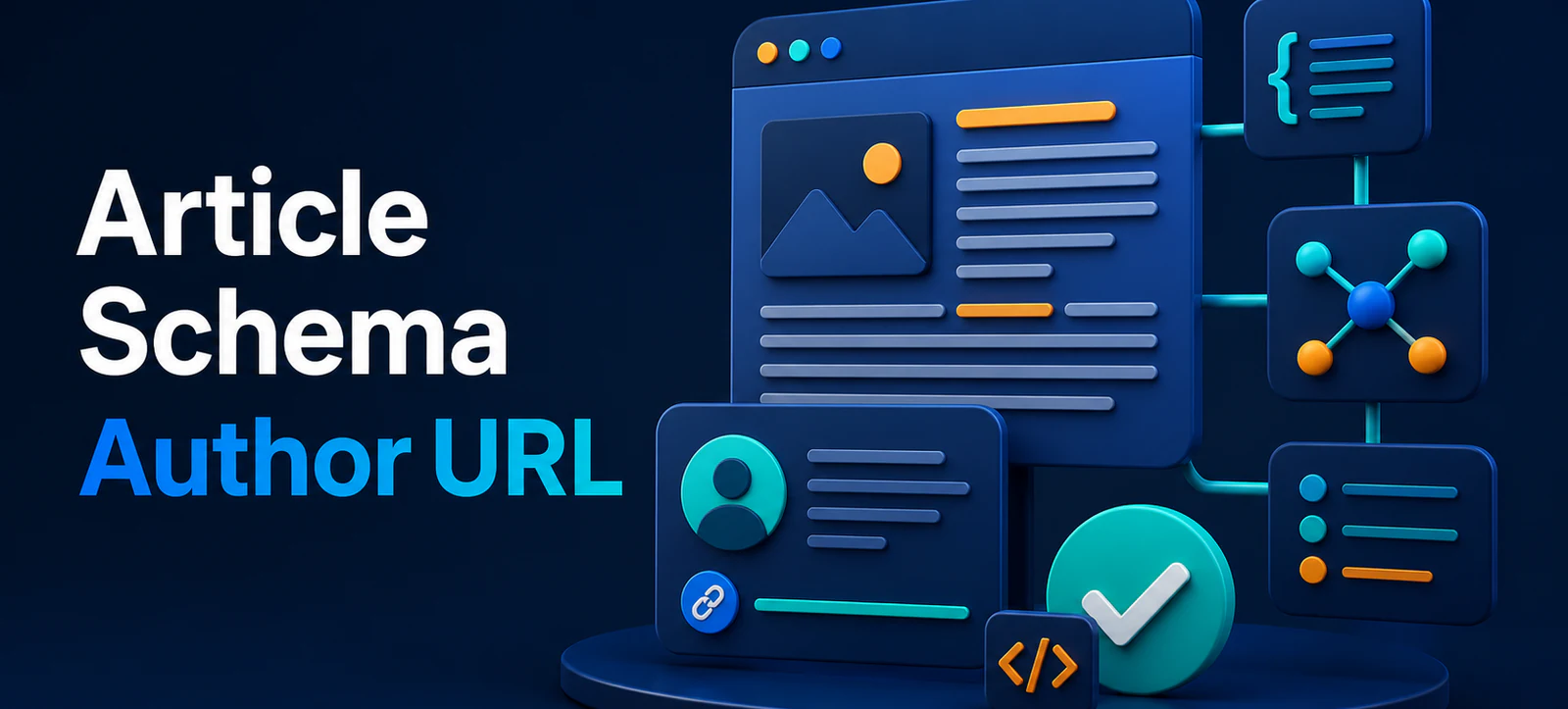
Article schema author URL is now a recommended property in Google’s Article structured data documentation. It gives publishers a clear way to connect an article’s author markup to a stable author profile page. For a business blog, it is a useful maintenance task—not a ranking shortcut.
The priority is still a truthful, visible author identity and helpful article. Schema should describe the page people can already see. This guide explains how to assess the change, choose the right URL and add it safely to JSON-LD.
What changed?
Google’s Search documentation changelog records that it added author.url as a recommended property for Article structured data on 6 August 2026. Recommended does not mean mandatory, and adding the property does not guarantee a rich result or higher ranking. It simply gives Google more explicit, machine-readable information about the author you identify on the page.
Start with Google’s documentation updates page, then check the current Article structured-data guidance before implementation. Avoid copying an example blindly: the correct markup depends on whether the author is a person or an organisation, and whether the profile URL is genuinely maintained.
Choose a stable author profile URL
The author URL should lead to a real page that helps a reader understand who produced the content. For an individual, that may be an author bio with relevant experience, role and other published work. For a company-authored article, use a relevant organisational profile only when it accurately reflects the byline shown on the page.
Do not point every author to the home page simply because it is convenient. A stable profile offers clearer context. On Kayaar, the author page, about page and experience page show the type of supporting information readers should be able to find.
Check the visible page first
Before editing code, confirm that the article has a visible byline and that it matches the author named in the schema. Make sure the profile page is indexable, loads successfully and is not an old campaign page. Update inconsistent author names before deploying markup; structured data should reinforce clarity, not conceal a mismatch.
Check
Good practice
Avoid
Byline
Use the same author name in content and markup.
Adding a schema-only author.
Profile URL
Use a stable, relevant author profile.
Linking to an unrelated home or contact page.
Type
Use Person or Organization accurately.
Inventing credentials or affiliations.
Review
Validate after deployment and retain a change log.
Assuming markup guarantees visibility.
How to add author.url in JSON-LD
In an Article object, the author is commonly expressed as a nested Person or Organization. Add the URL inside that author object, using the canonical profile address. Keep the markup readable and only include information supported by the article and profile page.
This example is a pattern, not a command to add a fictional author. Use the appropriate type and replace it with a real, maintained URL. If your WordPress theme or SEO plugin already generates Article schema, first check whether it offers an author-profile setting. Adding a second, conflicting Article block can create ambiguity.
Plan the implementation before editing templates
List the article templates that currently show a byline: standard posts, news updates, guides and guest contributions may not all use the same template. Identify where the Article schema is generated and whether it comes from the WordPress theme, an SEO plugin or custom code. This prevents an update on one template from creating different author signals elsewhere on the site.
Make a small staging change first. Select two or three representative articles with genuine, visible author information and test the generated markup there. Check the page source and rendered DOM, because plugins can alter schema after a page is loaded. Only expand the change once names, URLs and Article objects remain consistent across the sample.
Keep author information maintainable
An author profile should be reviewed whenever someone changes role, leaves the business or updates their public name. Link to a profile that the site owner can maintain rather than a temporary social post or campaign landing page. If several people contribute to an article, only mark up the authors that are represented truthfully on the visible page and in the supporting profiles.
For agencies and editorial teams, define a simple process: the editor confirms the byline, the writer confirms the bio, and a technical owner validates the schema after template changes. This modest governance step is more valuable than adding many optional properties without knowing whether they still match the published article.
Keep an inventory of profile URLs and test them during routine site audits. Broken or redirected author links weaken the clarity that the property is intended to provide and are straightforward to correct before they affect many articles.
Validate and monitor the change
Test the deployed page with Google’s structured-data tools and inspect the rendered HTML to confirm the final markup. Check that the author profile URL returns the expected page on desktop and mobile. Record the change date, template used and pages affected so you can troubleshoot later.
Do not judge success from one report or a short period. Article markup is one part of a page’s presentation, while search visibility depends on many systems. Focus on content quality, clear ownership and a sound technical foundation. Kayaar’s 60-minute SEO audit guide and SEO resources can support that wider review.
Common implementation mistakes
Using an author URL that redirects or no longer describes the writer.
Marking an organisation as a person, or the reverse.
Publishing different author names in the byline and JSON-LD.
Adding duplicate schema blocks through a plugin and custom code.
Expecting recommended markup to create an immediate ranking effect.
Key takeaway
Article schema author URL is a useful way to make an existing author identity clearer to search systems. Use a real, stable profile page; keep the visible byline and markup aligned; validate after publishing; and treat the update as part of good content governance, not an SEO shortcut.
FAQs
What is Article schema author URL?
It is the URL property inside an Article schema author object, pointing to the relevant author profile page.
Is author.url required for Article structured data?
Google lists it as recommended, not required. Use it when you have an accurate, stable author profile page.
Should author.url link to the home page?
Usually no. A dedicated author or organisation profile provides clearer context when it accurately matches the visible byline.
Will author.url improve rankings?
No ranking or rich-result outcome is guaranteed. The property helps describe author information in a structured way.
How should WordPress users add author.url?
First check existing theme or SEO-plugin settings. Add custom JSON-LD only when it will not duplicate or conflict with existing Article schema.