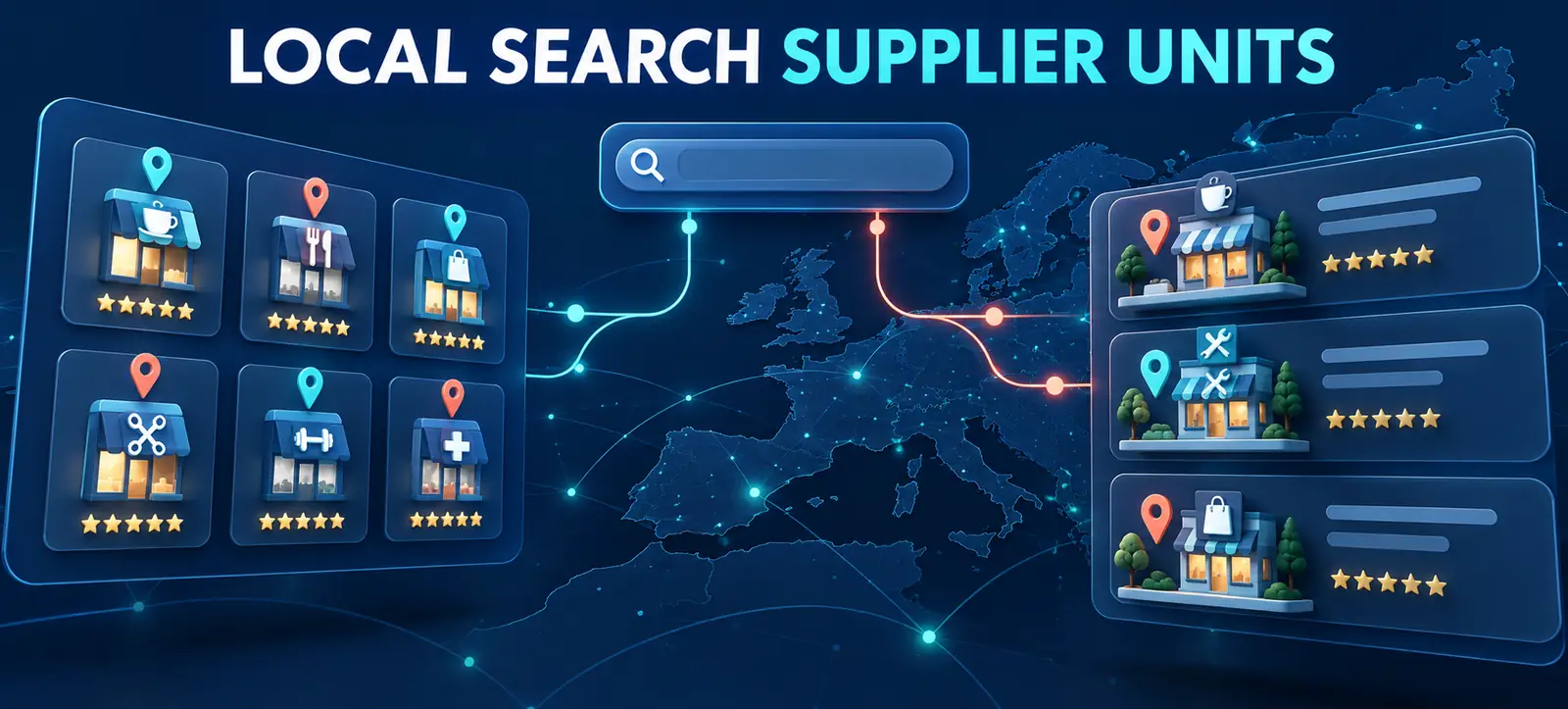
Google local business supplier units now support local-business queries in the European Economic Area (EEA). Google documented the expansion on 18 September 2026, adding local businesses to the query types supported by its aggregator and supplier units.
The update is relevant to directories, comparison services and direct providers that serve EEA users. It is not a general local-ranking update, and it does not mean these units are available for UAE searches. Dubai-based companies should assess it only when their website genuinely serves customers in eligible EEA markets.
This guide explains the difference between the two units, who may qualify and how to prepare accurate, crawlable business information without promising visibility.
What changed for local-business queries?
Google’s aggregator unit documentation now lists local businesses alongside hotels, flights, ground transport and products. The unit can show results supplied by approved Vertical Search Services (VSSs), such as directories, metasearch services and other aggregators. One provider’s results are expanded by default, and users may select another eligible provider.
The supplier unit documentation covers direct providers, including brick-and-mortar businesses and service companies such as plumbers. It appears alongside an aggregator unit and gives direct providers a separate route to visibility.
Both features are currently described for EEA users. Eligibility, participation and display are separate questions: meeting requirements does not guarantee that a unit or an individual result will appear.
Aggregator and supplier units compared
Area
Aggregator unit
Supplier unit
Practical check
Participant
Approved VSS, directory or aggregator
Direct local provider
Identify the real business model
Availability
Eligible EEA local-business queries
Appears when the aggregator unit appears
Test from the market served
Data route
Approval plus a direct feed integration
Crawlable website data; feeds may enhance results
Keep source data accurate
Display guarantee
None
None
Measure observed visibility
Determine whether your organisation is an aggregator or supplier
An aggregator presents options from multiple independent providers. A direct supplier delivers the service or operates the physical location shown. A marketplace may have both roles in different parts of its business, but each page and data relationship should make the role clear.
Do not apply for aggregator participation merely because a website lists several branches of the same company. Google describes the aggregator unit as a multi-provider feature. Document who owns each listing, who fulfils the service and where a user goes after clicking.
Kayaar’s regional Search checklist provides the broader market context. The September 18 addition is a specific participation update within that regional framework, not evidence that the UAE has been added.
Prepare a direct supplier website
Google says direct suppliers do not need to submit extra data beyond what its crawler can access, although feeds may enhance results. That makes website quality the starting point. Give each genuine location or service page a clear purpose, descriptive title and visible business details.
Check the business name, address, phone number, category, opening hours, service area, images and booking or enquiry route. Keep information consistent with the service actually provided. Avoid creating thin pages by swapping only a city name; each local page should help a customer understand availability, conditions and the next action.
Run the crawl and indexation steps in Kayaar’s 60-minute SEO audit. Important pages should return a valid response, remain indexable, use consistent canonicals and be reachable through normal internal links. A feed cannot repair an inaccessible or misleading landing page.
Prepare an aggregator data operation
Aggregators have a different path. Google lists approval as a VSS, relevant content, required data and compliance with Search content policies. For local-business queries, the documentation points applicants to the Search Aggregator Features form and a Local Point of Interest feed.
Build a source-of-truth inventory before requesting participation. Assign an owner for every field, update frequency and error response. The feed and landing page should agree on names, categories, locations, hours, images and availability. Remove closed or duplicate entities promptly.
Google’s best practices emphasise detailed entity information, factual titles, original high-quality imagery and current availability. Avoid promotional text in entity names or watermarked image overlays. Kayaar’s favicon audit is useful for wider brand presentation, but a favicon is not a substitute for accurate listing imagery and entity data.
Set a data-quality control cycle
Schedule checks according to how quickly the information changes. Opening hours, temporary closures, booking availability and service coverage may need frequent updates, while descriptions and category mapping can follow a planned review. Keep a change log showing the source, editor, date and reason for every material update.
Sample records after each feed release. Open the destination page, compare every visible field and confirm that the business can fulfil the represented service. Track rejected records, stale values, duplicate entities and broken destinations as operational quality measures. If data comes from partners, define correction deadlines and an escalation route instead of passing uncertain information downstream.
Validate without overclaiming
Test important query groups from the EEA markets actually served. Record country, device, language, query, visible unit, provider and destination URL. Use an incognito comparison cautiously; location, personalisation and experiments can still affect what appears.
Monitor Search Console landing-page and country data, along with qualified enquiries or bookings. A new appearance is useful only when it sends relevant users to an accurate page. The evidence-first approach in Kayaar’s search-visibility audit also applies here: separate observable results from eligibility claims.
Do not describe participation as a ranking package, rich-result guarantee or special schema shortcut. Google controls when the units appear and which results are shown.
EEA readiness checklist
Confirm that the website genuinely serves users in an eligible EEA market.
Classify the organisation as an aggregator, direct supplier or clearly separated combination.
Audit crawlable location pages, business details and conversion paths.
For aggregators, document approval, feed ownership, refresh rules and quality checks.
Compare feed values with landing pages before every major submission.
Measure observed visibility and business outcomes without promising placement.
For help assessing regional eligibility, entity data and website readiness, contact Kayaar.
FAQs
What are Google local business supplier units?
They are EEA Search features that can show direct local providers alongside an aggregator unit for supported local-business queries.
Are local business supplier units available in the UAE?
Google currently documents these aggregator and supplier units for users in the EEA, not for UAE searches.
Does a direct supplier need to submit a feed?
Google says direct suppliers do not need additional data beyond crawlable website content, although feeds may enhance results where available.
What does a local-business aggregator need?
Google lists VSS approval, relevant content, required data through an appropriate integration and compliance with Search content policies.
Does eligibility guarantee appearance in the unit?
No. Meeting documented requirements does not guarantee that Google will show a unit or include a specific business for a query.