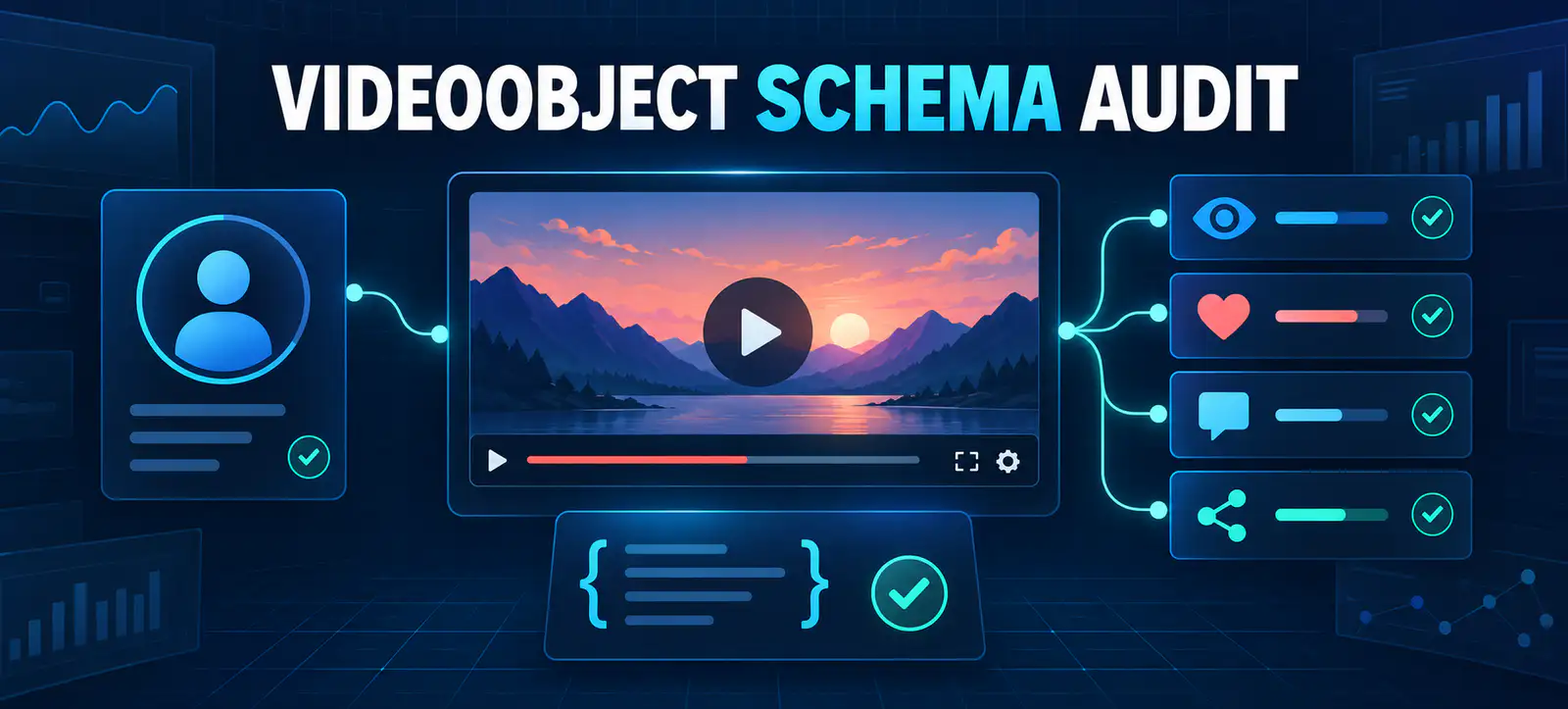
VideoObject structured data now has clearer Google guidance for identifying a video’s creator and describing engagement. On 24 September 2026, Google documented support for the creator property, noted that author is also supported, and listed the interaction types accepted within interactionStatistic.
This is a documentation update, not a promise of higher rankings or guaranteed video features. It gives publishers a practical reason to audit video watch pages, confirm that creator identity matches the visible page and remove unsupported or misleading engagement markup.
Google’s September VideoObject documentation update
Google’s Search documentation changelog records two clarifications. First, a VideoObject can use creator or author to identify the Person or Organization that created or published the video. Second, Google documented the supported interactionStatistic action types.
The current VideoObject documentation lists WatchAction, LikeAction, CommentAction and ShareAction. Each counter needs a corresponding integer in userInteractionCount. The page also continues to recommend accurate core video information such as name, description, thumbnail, upload date, duration and a usable content or embed URL.
Why creator identity deserves an audit
Creator markup should describe a real identity already supported by the page. Use Person when an identifiable individual produced or published the video, and Organization when the business or publication is the appropriate creator. Provide a clear name or alternate name and, where useful, a stable URL that uniquely identifies that person or organisation.
Do not add a famous person, client or brand simply because they appear in the video. The property describes the creator or publisher, not every participant. Keep the visible byline, channel information, profile page and schema consistent. Kayaar’s article schema author URL guide applies the same identity principle to written content.
What to review on each video page
Markup area
Evidence required
Common risk
Audit action
Creator
Visible, truthful creator or publisher identity
Schema names someone not shown on the page
Align type, name and profile URL
Views
Reliable cumulative watch count
A visit or impression is labelled as a watch
Use WatchAction only for defensible views
Likes and comments
Current platform or first-party totals
Cached values remain stale
Update, automate or omit uncertain data
Shares
Measured reshare events
Button clicks are treated as completed shares
Define the metric before marking it up
Video details
Visible title, description, date and playable media
Schema describes a different or unavailable video
Compare markup with the rendered watch page
A practical VideoObject audit workflow
1. Build a representative URL sample
Include recent and older videos, different templates, embedded and self-hosted players, creator types and pages with high search visibility. Record the canonical URL, video source, publishing system and responsible owner. This prevents a clean result on one template from hiding problems elsewhere.
2. Compare schema with visible content
Open the page as a visitor and compare every important field. The video name, description, thumbnail, date, duration and creator should be supported by what users can see or verify. Structured data should clarify a page, not introduce claims that the page itself does not make.
3. Check creator or author objects
Choose one accurate property and apply it consistently through the publishing system. Confirm whether the entity is a Person or Organization, use the correct name and link to a stable identifying page where appropriate. Avoid creating duplicate creator objects with conflicting names or URLs.
4. Validate engagement counters
Map each available metric to the supported action that describes it. Keep views, likes, comments and shares separate. Do not estimate counts, combine unlike metrics or mark up a number that cannot be reproduced from a reliable source. If a counter cannot be maintained, omitting it is safer than publishing stale data.
5. Test the rendered result
Run sample pages through Google’s Rich Results Test, inspect rendered HTML and confirm that JavaScript does not introduce duplicate or inconsistent objects. Then use Search Console URL Inspection on a limited deployment before changing the entire site. Add these steps to the broader website SEO audit workflow.
6. Monitor after release
Track validation errors, indexed video pages, video search impressions, clicks and engagement with the watch page. Annotation matters: record the deployment date, affected templates and unrelated video changes. Valid markup establishes eligibility and clearer information; it does not guarantee a particular presentation.
Implementation and governance checks
Update the CMS or schema generator rather than hand-editing many pages. Define which system supplies creator identity and each engagement total, how often dynamic numbers refresh and what happens when a video becomes unavailable. Test boundaries such as zero interactions, deleted profiles, replacement thumbnails and private videos.
Prevent duplicate and conflicting markup
WordPress themes, video plugins, SEO plugins and custom code can each output their own VideoObject. Inspect the rendered source before adding another block. Multiple objects are not automatically wrong, but they become a problem when they describe the same video with different names, thumbnails, creators, dates or URLs.
Choose one system of record for each template. If a plugin already produces accurate core properties, extend or configure that implementation instead of inserting a second copy. Where several distinct videos appear on one page, make sure each object maps clearly to its own visible player and supporting information.
Set a maintenance schedule
Static identity fields and dynamic counters need different review cycles. Check creator names, profile URLs and template logic whenever editorial ownership changes. Refresh interaction totals only as often as the source can support reliably, and document the timestamp or update process internally.
Quarterly sampling is useful for stable libraries, while high-volume publishing systems may need automated tests on every release. Alert on missing thumbnails, invalid dates, inaccessible video files and sharp counter decreases. A maintenance plan protects accuracy after the initial audit is complete.
Video presentation still matters beyond schema. A truthful thumbnail, useful description and clear page purpose help people decide whether to watch. Kayaar’s Shorts thumbnail workflow explains how visual promises should match the finished video, while the generative search visibility audit places structured data within a wider quality review.
Do not describe this update as a new ranking factor. It documents supported properties and interaction types. The useful outcome is cleaner, more maintainable markup that reflects real creators, real media and defensible engagement data. For implementation support, share the affected templates through the Kayaar contact page.
FAQs
What changed in Google’s VideoObject guidance?
Google documented support for creator or author and clarified the interaction types accepted within interactionStatistic.
Should VideoObject use creator or author?
Google supports either property. Choose one accurate, consistent representation of the person or organization that created or published the video.
Which engagement actions does Google support?
Google lists WatchAction, LikeAction, CommentAction and ShareAction, each paired with an integer userInteractionCount.
Are engagement statistics required?
No. Add them only when accurate, supported and maintainable. Omit counters that are estimated, ambiguous or likely to become stale.
Will updated VideoObject markup improve rankings?
No ranking improvement is guaranteed. Accurate markup can help Google understand a video and establish eligibility for supported video experiences.