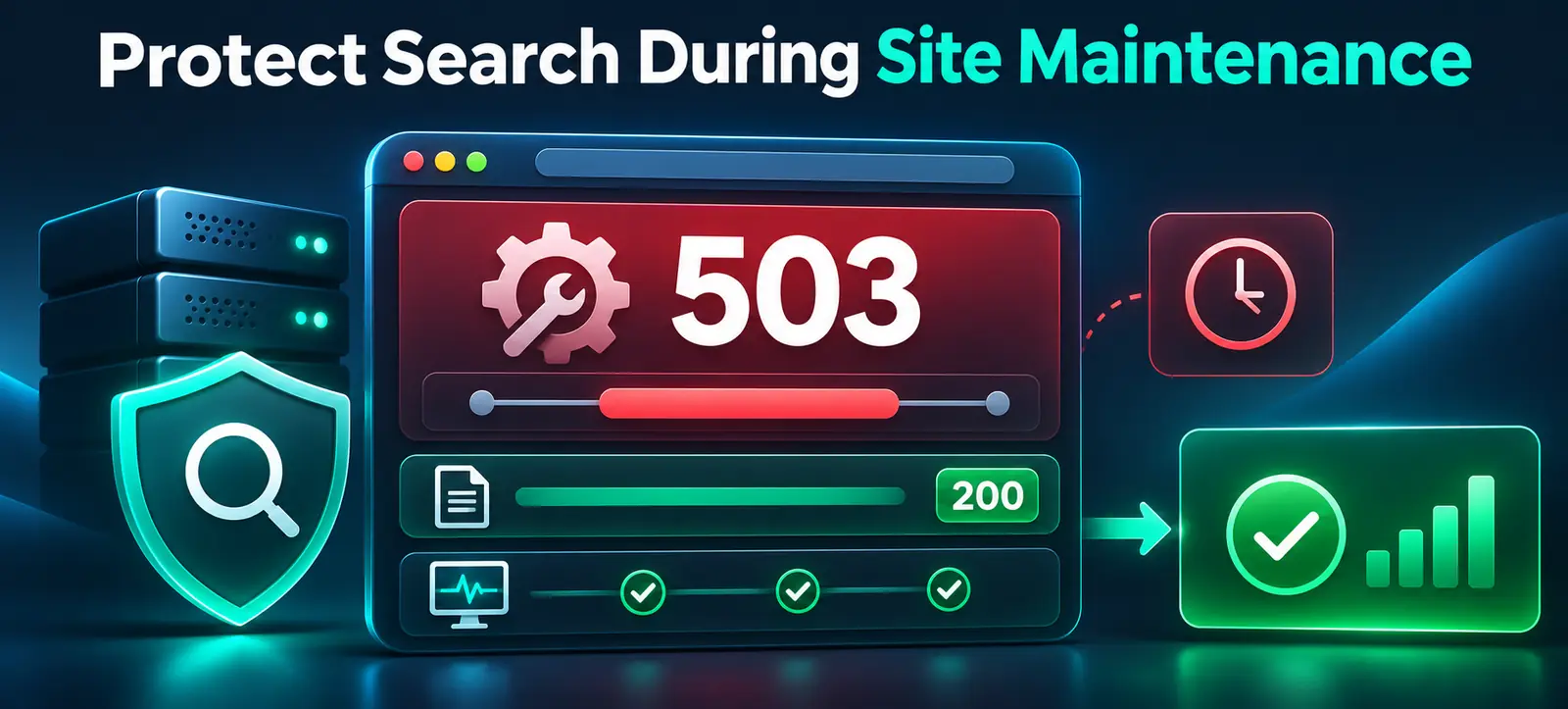
503 maintenance mode tells browsers and crawlers that a website is temporarily unavailable and should be tried again later. Used correctly during a short deployment or emergency repair, it is more accurate than serving a broken page with a 200 status or returning permanent 404 and 410 errors.
The status code is only one part of a safe maintenance plan. Teams also need a realistic window, a lightweight response page, a valid robots.txt file, monitoring, rollback ownership and proof that normal 200 responses return. This checklist turns those requirements into a controlled release process.
When a 503 response is appropriate
Use 503 Service Unavailable when a normally valid resource cannot be served for a short, defined period. Examples include a controlled release, urgent security patch, database maintenance or temporary infrastructure overload. It is not a substitute for fixing recurring capacity problems, and it should not remain active for an open-ended closure.
Google’s official temporary site pause guidance recommends keeping a site online and limiting functionality where possible. If the whole site must be disabled urgently, Google describes a 503 response as an option for a very short period and warns that prolonged closure can affect Search visibility.
Define scope before the maintenance window
List exactly which hosts, paths and services will be unavailable. A database migration may affect account and checkout pages without requiring the public knowledge base to disappear. Keeping unaffected content available reduces user disruption and limits the number of URLs returning an error.
Record a start time, expected end time, maximum permitted duration, release owner and rollback decision-maker. Include DNS, CDN, load balancer, application and origin layers because a configuration at any one of them can change the final response. Kayaar’s website relaunch sign-off provides a broader ownership model for high-risk production changes.
Choose the correct response for each request
Request
Expected response
Reason
Temporarily unavailable page
503 plus optional Retry-After
Signals a temporary service interruption
Unaffected public page
Normal 200
Keeps useful content available
robots.txt
Valid 200 response
Avoids blocking or confusing crawl control
Permanently removed URL
404 or 410
Accurately represents permanent removal
Moved resource
Appropriate redirect
Sends users to a real replacement
Do not return a visually convincing maintenance page with a 200 OK status. Crawlers may treat that response as ordinary content, while monitoring built only around status codes may incorrectly report that the service is healthy. Also avoid redirecting every URL to the homepage. Kayaar’s redirect audit explains when a redirect is appropriate and why unrelated destinations create a poor journey.
Add a realistic Retry-After value
A 503 response can include Retry-After as either a delay in seconds or an absolute UTC date and time. Google’s updated crawl-rate guidance documents both formats and warns against returning 503 or 429 responses for longer than one or two days because affected URLs may eventually be dropped from Search.
Choose a conservative value that the team can meet. Do not automatically send “120 seconds” when the deployment is expected to take an hour. If the window changes, update the response and user message together. Retry-After is guidance, not a guarantee that every client will return at that exact moment.
Build a lightweight maintenance page
Serve static HTML that does not depend on the database or service being repaired. Minimise external scripts, fonts and images because each dependency creates another failure point. The page should state what is unavailable, when the next update is expected and how users can reach support for urgent needs.
Keep the message factual. Avoid publishing internal incident details, credentials, server names or speculative recovery promises. If customer data or payments could be affected, follow the organisation’s security, legal and incident-response procedures rather than improvising public copy.
Keep robots.txt available
Do not return 503 for robots.txt and do not replace it with a blanket Disallow rule during a short closure. Google specifically advises keeping robots.txt crawlable. A sudden block can prevent crawlers from understanding the existing rules and may complicate recovery.
Test the exact public robots.txt URL through the CDN and origin route. Confirm that it returns the expected 200 status, correct content type and approved rules. If infrastructure is changing at the same time, use Kayaar’s CDN migration audit to check cache, origin and verified-crawler behaviour separately.
Test before switching traffic
In staging or a restricted production path, request a representative page and inspect the complete response. Confirm the 503 status, Retry-After syntax, content type, body, cache headers and absence of redirect loops. Repeat for mobile and desktop user agents, essential APIs, robots.txt and an unaffected page.
Do not rely only on a browser because it displays the body without making the status obvious. Use an HTTP inspection tool and save the output with the deployment record. Set monitoring to alert on the proportion of 503 responses, not simply whether the maintenance page itself loads.
Monitor, roll back and recover
During the window, watch application health, origin load, CDN responses, DNS, robots.txt and high-value user journeys. Compare actual duration with the approved maximum. If the change exceeds that limit or produces unexpected data risk, the named owner should trigger rollback rather than extending maintenance indefinitely.
When service returns, verify that representative URLs respond with 200 and correct content—not merely that 503 has disappeared. Clear maintenance caches, restore normal routing, test logins and conversions, inspect server logs and review Search Console Crawl Stats. Kayaar’s Search Console access audit helps ensure the right people can complete that review.
Document the actual start, end, affected paths, error rates, rollback decision and follow-up actions. A short 503 window can protect users and search systems during essential work, but disciplined preparation and recovery are what keep it truly temporary. For an independent technical launch review, contact Kayaar with anonymised architecture and test results.
FAQs
What does 503 Service Unavailable mean?
It means the server is temporarily unable to handle the request and that the client may try again later.
How long can a website remain in 503 maintenance mode?
Keep it as short as possible. Google warns that repeated 503 responses beyond one or two days can negatively affect how URLs appear in Search.
Should robots.txt also return a 503 status?
No. Keep robots.txt available with a valid 200 response and the approved crawl rules during the maintenance window.
Is a maintenance page with a 200 status acceptable?
No. A temporary outage page should return the accurate 503 status; a 200 response can make the error page look like normal indexable content.
What should be checked after maintenance ends?
Verify normal 200 responses, page content, robots.txt, critical journeys, caches, logs, monitoring and Search Console crawl behaviour.