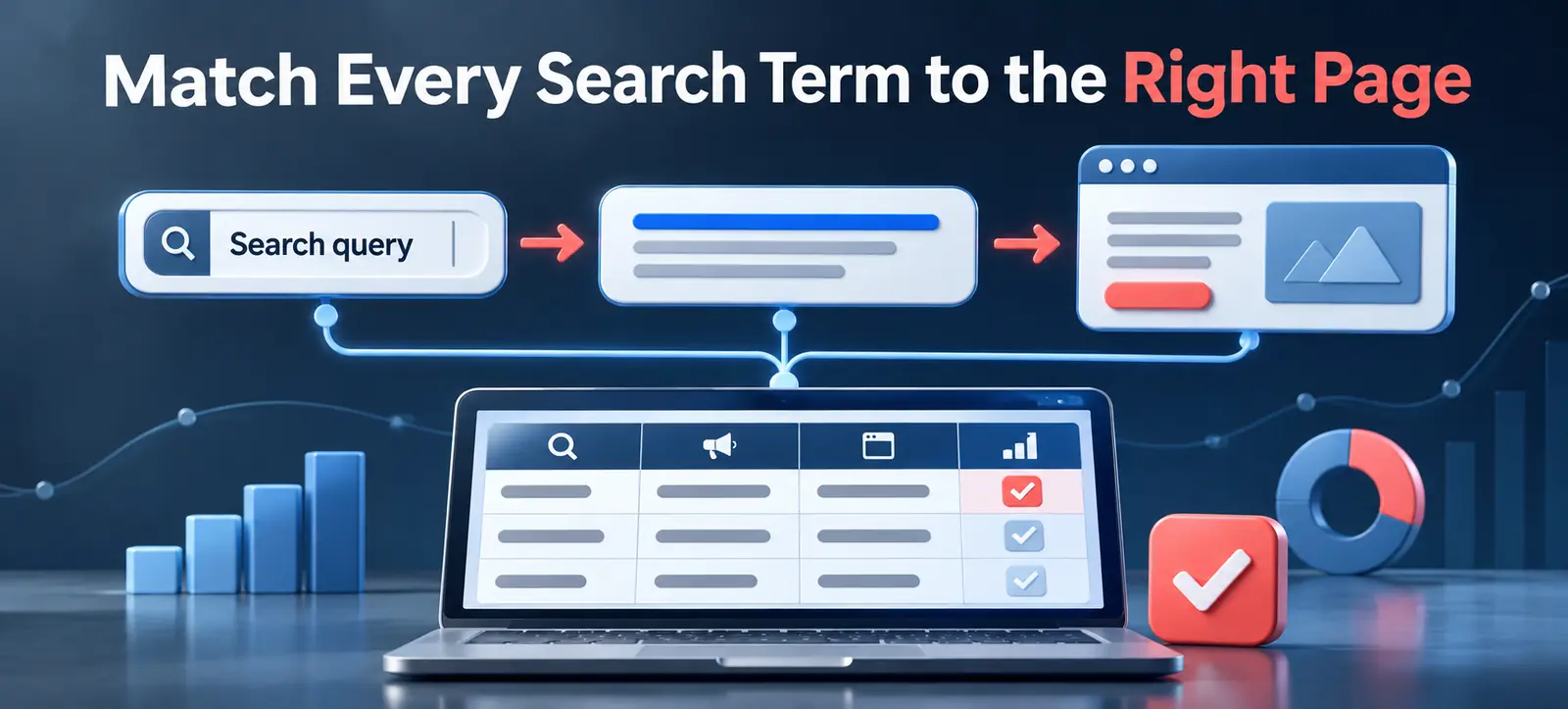
Microsoft Search Term Landing Page Report connects the customer’s query, the delivered ad headline and the final page shown after an impression. Microsoft announced that the reporting experience would roll out from mid-November 2026, giving advertisers a clearer view of how search intent maps to automated ad delivery.
This is especially useful for AI Max, final URL expansion and large search accounts. A campaign can generate clicks or conversions while still routing important queries to a weak page. The report helps teams find mismatches before they become repeated spend, poor customer experience or misleading creative.
What the report adds
Microsoft’s October product update says search-term landing-page reporting helps advertisers understand how user intent maps to the selected web page. Microsoft also describes new search-term and auction-insights reporting and positions the feature as a control for more automated campaign delivery.
The Microsoft Advertising API report guide documents the Search Term Landing Page Report request. It can include the search term, delivered headline, final URL and supported performance metrics. The Final URL and at least one performance metric are required.
The report is not a replacement for conversion tracking, keyword reports or landing-page analytics. Its distinctive value is the joined path: query to headline to page. That relationship is where automated matching and final URL expansion can create useful discoveries or costly intent gaps.
Observed pattern
Likely issue
Audit action
Possible control
Relevant query, wrong page
Final URL expansion selected a broad destination
Compare intent, page topic and conversion path
Use URL rules or refine eligible pages
Relevant query, weak headline
Delivered message does not reflect the task
Review headline-to-query promise
Improve assets or messaging guidance
Irrelevant query, relevant page
Matching expanded beyond the offer
Check spend, intent and search-term pattern
Add negative keywords or term exclusions
Strong clicks, weak conversion
Page experience or offer does not complete intent
Review speed, proof, form and tracking
Fix the page before increasing bids
Build the audit export
Select a period long enough to include meaningful impressions and conversions without mixing very different campaign settings. Use the same timezone and attribution window used in the account’s standard performance reporting. Export account, campaign, ad group, search term, delivered headline, final URL and the available metrics required for the decision.
Start with impressions, clicks, spend, conversions and conversion value where supported. Add identifiers so findings can be traced back to the campaign structure. Keep the raw export unchanged, then create a working copy for classification.
If the interface or report template is not yet available in the account, do not imitate it by joining incomplete exports and presenting the result as official. Microsoft says availability is rolling out. Use existing search-term and landing-page reports separately until the combined view appears.
Classify search intent consistently
Create a small intent taxonomy that reflects the business: research, comparison, brand, service, product, location, price, support and irrelevant. Assign one primary intent to each meaningful query cluster. Do not judge a single low-volume term without context.
Then label the destination type: homepage, category, product, service, article, location, lead form or unsupported page. A useful match should let the visitor continue the same task promised by the query and headline.
For automated expansion, compare the selected page with the page you would have chosen manually. Kayaar’s Microsoft AI Max guide explains the wider controls for query expansion, generated text and final URL selection.
Review the three-part message path
1. Query to headline. Does the delivered headline acknowledge the user’s actual task without adding an unsupported claim? Check price, availability, location, urgency and product wording. A high CTR does not excuse a promise the page cannot fulfil.
2. Headline to landing page. Can the visitor immediately find the product, service or answer implied by the ad? The headline and page heading do not need to be identical, but they should describe the same offer and next step.
3. Query to conversion. Is the requested action appropriate for the intent? A research query may need comparison detail before a sales form, while a high-intent service query may need a clear call, quote or booking option.
Check the final URL after redirects, not only the URL stored in the campaign. Confirm that tracking parameters survive, mobile users receive the same offer and no consent or location rule sends people elsewhere.
Prioritise fixes by impact
Score each mismatch using spend, conversion value, intent severity and repeatability. A high-spend query routed to an unrelated page deserves immediate action. A low-volume informational query with a reasonable destination can remain in observation.
Use negative keywords or term exclusions when the query is outside the business offer. Use URL exclusions, page feeds or other available URL controls when the query is useful but the destination is wrong. Update page content when the selected URL is strategically correct but does not explain the offer clearly.
Do not change bids, keywords, assets and landing pages at the same time. Kayaar’s Microsoft Advertising experiment plan provides a structured way to isolate changes and define success before scaling.
Connect the report to conversion quality
A relevant path should produce useful business outcomes, not only platform conversions. Check lead validity, qualified enquiries, revenue, cancellations and customer value. If CRM outcomes are available, compare them by query and destination group while protecting personal data.
Export query, delivered headline, final URL and performance metrics.
Group search terms by business intent and destination type.
Flag query-to-headline and headline-to-page mismatches.
Verify the final mobile page and conversion action.
Apply negatives, URL controls or page improvements deliberately.
Measure qualified outcomes before expanding automation.
For an independent Microsoft Advertising review, contact Kayaar with anonymised campaign objectives and report findings. Never send login details, customer records or unrestricted exports through an unsecured form.
FAQs
What is the Microsoft Search Term Landing Page Report?
It connects the customer search term, delivered headline, final URL and supported performance metrics for the same ad-delivery path.
Which columns are required in the API report?
Microsoft requires the Final URL column and at least one supported performance metric, such as impressions.
Does the report replace search-term reporting?
No. It adds the delivered headline and landing-page relationship, while other reports remain useful for keywords, queries and performance analysis.
How should advertisers fix a wrong landing page?
Use the available URL rules, exclusions or page controls, and improve the destination when it is correct but does not satisfy the query.
Should every low-converting query be excluded?
No. Review intent, volume, spend, attribution and qualified outcomes before excluding a query or changing automated delivery.