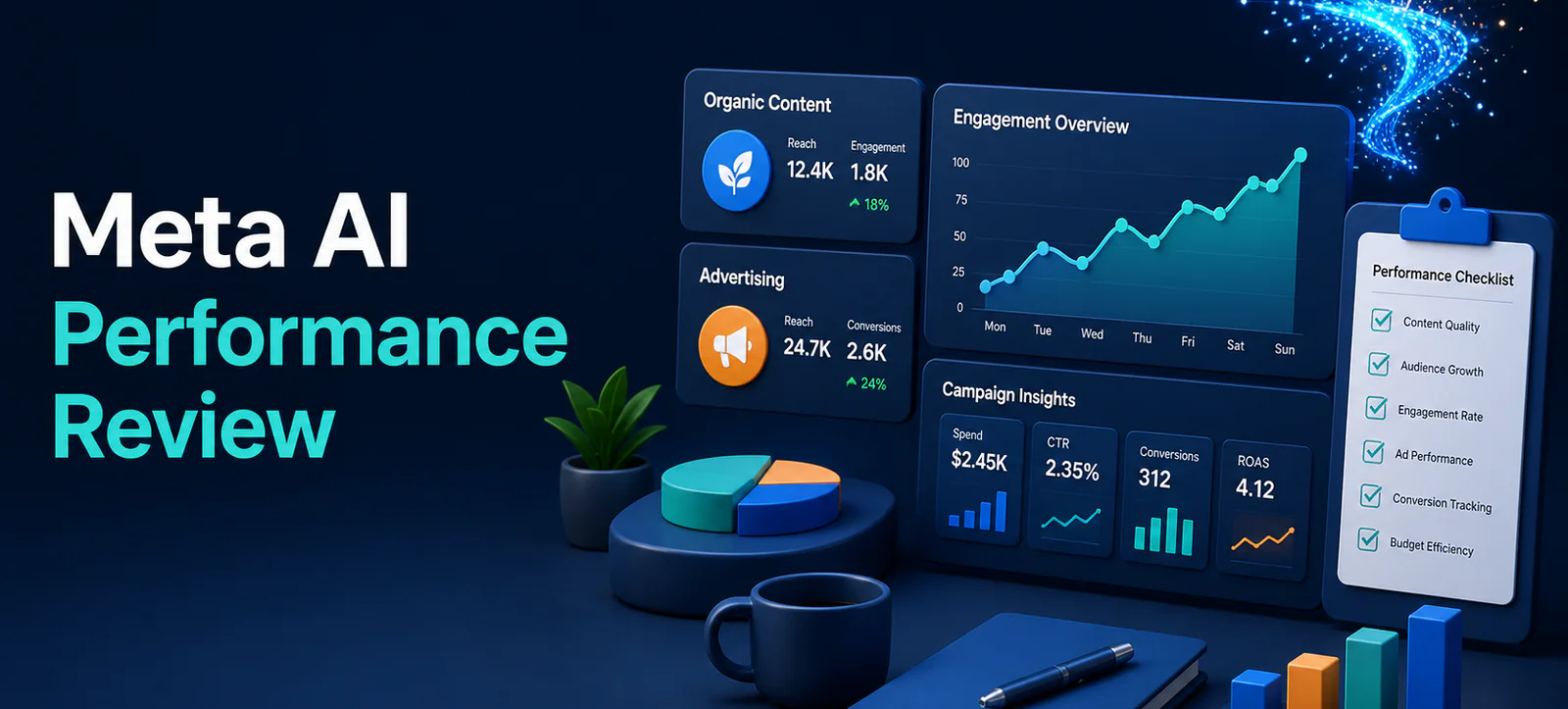
Meta AI performance review tools are being introduced to help small businesses understand what is working across Facebook, Instagram and Meta Ads. Meta says the new capabilities can connect to account metrics, advertising data and selected work tools to produce more specific insights. Availability may vary by country, product and account, so treat this as a workflow to prepare for—not a feature to assume is already enabled.
The useful opportunity is not to accept an AI summary without question. It is to speed up a disciplined review: identify the strongest content, check campaign outcomes, compare a small set of meaningful metrics and decide one next action. A human still needs to validate the context, audience and business result.
What Meta announced for small businesses
Meta’s August announcement says Meta AI can work with Facebook and Instagram metrics, Meta Ads and Google Workspace to surface insights, audit and optimise campaigns, and help businesses compare public content and engagement patterns. It also describes recurring tasks and reminders for performance reporting. These tools may be useful for planning, but marketers should confirm what data is connected, which permissions are granted and what is available in their own account.
Do not confuse this with Meta Business Agent, which is designed for customer conversations. Kayaar’s Meta Business Agent guide explains that separate use case. A performance review focuses on learning from content and campaigns; customer-facing automation needs its own guardrails and hand-off rules.
Set up a weekly review question
Begin with one decision, not a request for “all insights.” Examples include: Which post formats brought relevant engagement? Which campaign produced qualified enquiries? Which audience or creative should be tested next? A specific question gives the review a practical boundary and makes it easier to check the answer against the underlying reporting.
Use a stable time range, such as the previous seven or 28 days, and compare it with an equivalent prior period only when both have complete data. Note promotions, campaign launches, creative changes and seasonal events before interpreting a movement. A higher reach figure alone may not matter if it did not support the intended outcome.
Choose metrics that match the goal
Goal
Useful signals
Question to ask
Awareness
Reach, video views, frequency
Did the right audience see the message often enough?
Engagement
Shares, saves, comments, watch time
Which content earned a meaningful response?
Lead generation
Qualified leads, cost per qualified lead, follow-up rate
Did the campaign create sales-ready conversations?
Sales
Conversions, revenue, return on ad spend
Are reported results aligned with verified business data?
Keep organic and paid results separate at first. A popular organic post may reveal a useful message to test in advertising, but it does not prove that the same audience will convert. Likewise, a paid campaign can generate volume without strengthening long-term organic engagement. Compare them only after you have defined the role each plays.
Use AI suggestions as prompts for investigation
If an AI tool identifies a high-performing creative, ask why it performed: was the topic timely, the opening clearer, the format easier to share, or the audience different? Check the actual post, comments, placements and conversion data. Avoid turning a single observation into a universal rule.
For competitive analysis, use public examples to understand patterns, not to copy another brand’s creative. Compare content themes, frequency, audience questions and visible formats. Then write an original test that fits your offer and brand. Kayaar’s social media articles and digital marketing experience offer useful context for connecting social activity to wider business goals.
Check data, privacy and access
Before connecting a tool to accounts or workspaces, review the permissions and who can see the results. Only connect data needed for the stated review. Do not put customer information, confidential sales notes or sensitive personal data into a prompt unless the approved account settings and your own policies permit it.
Maintain a human approval step for budget changes, public posts and significant targeting decisions. AI can speed up analysis, but it cannot know your margin, sales capacity or customer relationship without correct input. If a recommendation cannot be explained in business terms, do not implement it yet.
Run a simple four-step review
Export or confirm the reporting period and goal.
Ask one focused question about content, campaigns or audience response.
Verify the answer against platform metrics and sales feedback.
Record one test, an owner and the date for the next review.
This process produces a useful habit even when the new Meta AI features are not available in your account. It also helps a small team avoid chasing every dashboard change. For support with measurement and campaign strategy, use Kayaar’s contact page to start a focused discussion.
Turn the review into a useful action plan
End each review with one action that can be observed and measured. It might be testing a stronger first line in a short video, moving budget toward a proven audience, adding a clearer call to action, or pausing a creative that has stopped earning quality engagement. State what will change, why it is being tested and what result would support keeping it.
Keep the test small enough to learn from. If several creative concepts, audiences and budgets change at the same time, it is difficult to know what influenced the result. Save screenshots or export key data before making the change. At the next review, compare the evidence with the original question and decide whether to scale, refine or stop the test.
Ask better questions over time
As the team builds a history of reviews, questions can become more specific. Instead of asking which post had the most engagement, ask which format generated the most saves from prospective customers, or which campaign produced leads that the sales team contacted within one working day. The answers become more valuable when they reflect the customer journey after the platform metric.
Key takeaway
Meta AI performance review capabilities can make routine analysis faster, but the best use is a narrow, accountable workflow. Define the decision, protect access, verify the underlying data and make one measured change at a time. That keeps social activity connected to customer value rather than automated reporting alone.
FAQs
What can Meta AI help small businesses review?
Meta says its new tools can surface insights from Facebook and Instagram metrics, Meta Ads and connected work tools where available.
Is Meta AI performance review available to every business?
Availability can vary by country, product and account. Check your own Meta account before relying on a feature.
Should AI recommendations change campaign budgets automatically?
No. Keep human approval for budget, targeting and public-facing decisions after checking the business context.
How should businesses compare competitors?
Use public content to identify patterns and audience questions, then create original tests that fit your own brand and offer.
What is a good first performance-review question?
Ask one decision-focused question, such as which content format generated the most qualified engagement in the last 28 days.